What is ConsensIQ and how does a consensus session work?
ConsensIQ is next level voting: participants spread points over options across several rounds, so you measure real support instead of a bare majority.
3 min read
How it works
ConsensIQ runs in the browser. An admin sets up the questions, participants join on their phones and a facilitator runs the session. Here is what happens.
In a simple wizard the admin creates one or more questions, each with up to 10 options. An option can be text or an image.
Participants scan a QR code or open a link on their own phone. There is nothing to install.
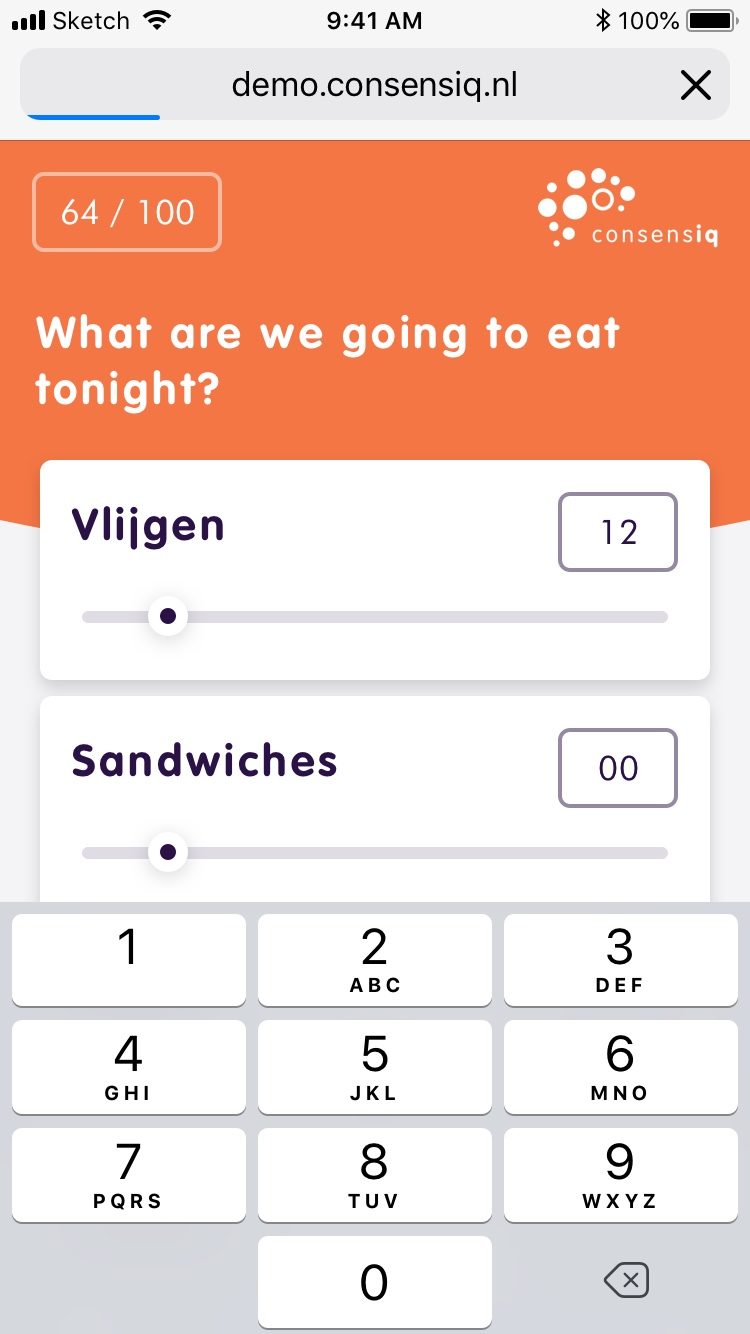
Everyone spreads a fixed number of points, for example 100, across the options. The presentation screen shows the points shifting live.
The facilitator can freeze voting to give the room time to talk. While the question is open, anyone can still move their points.
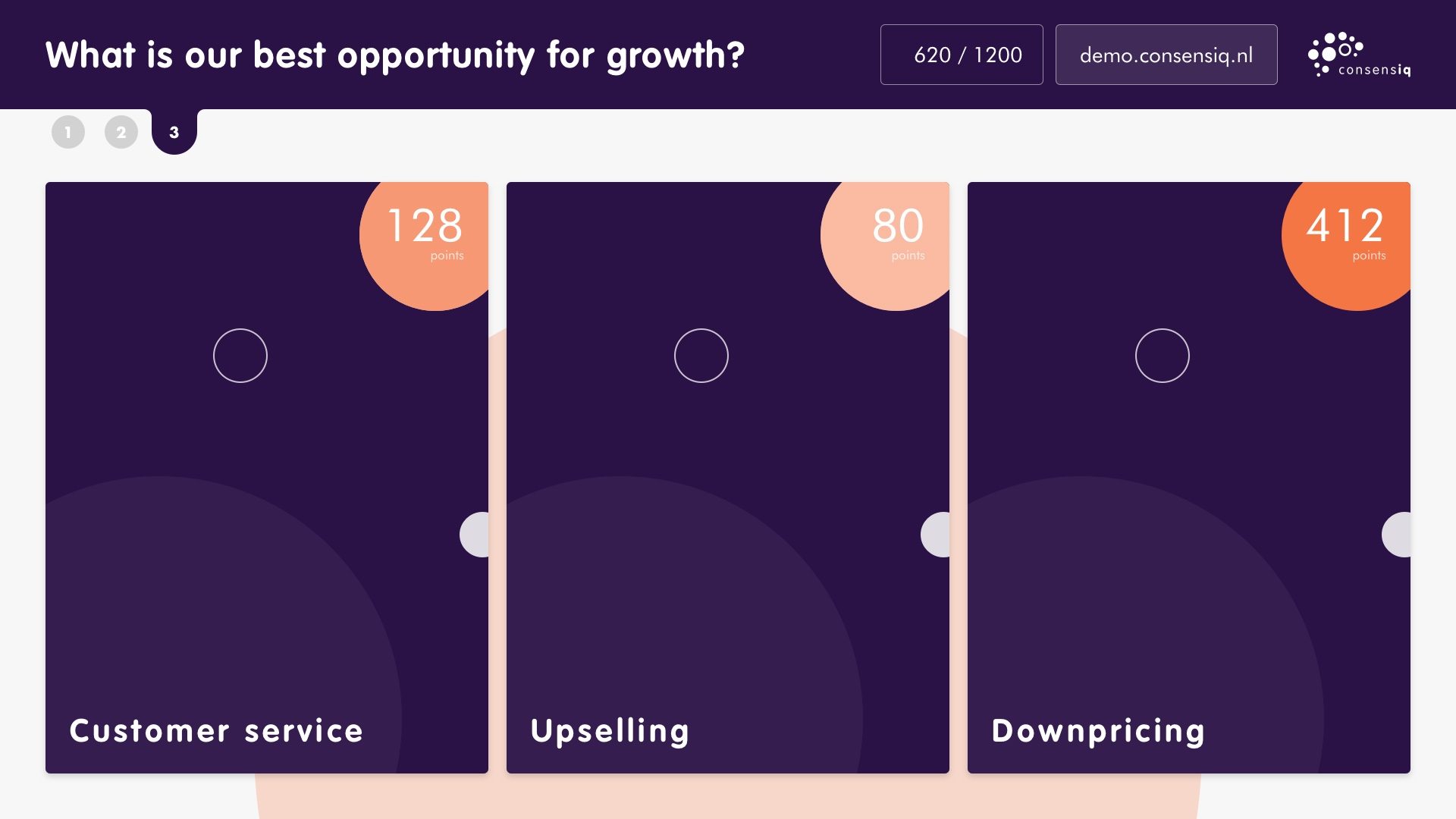
After each round the option with the least support drops out. Anyone who backed it gets those points back to spend again.
When one option is left, the facilitator reveals the winner. The admin can then export the results of every round.
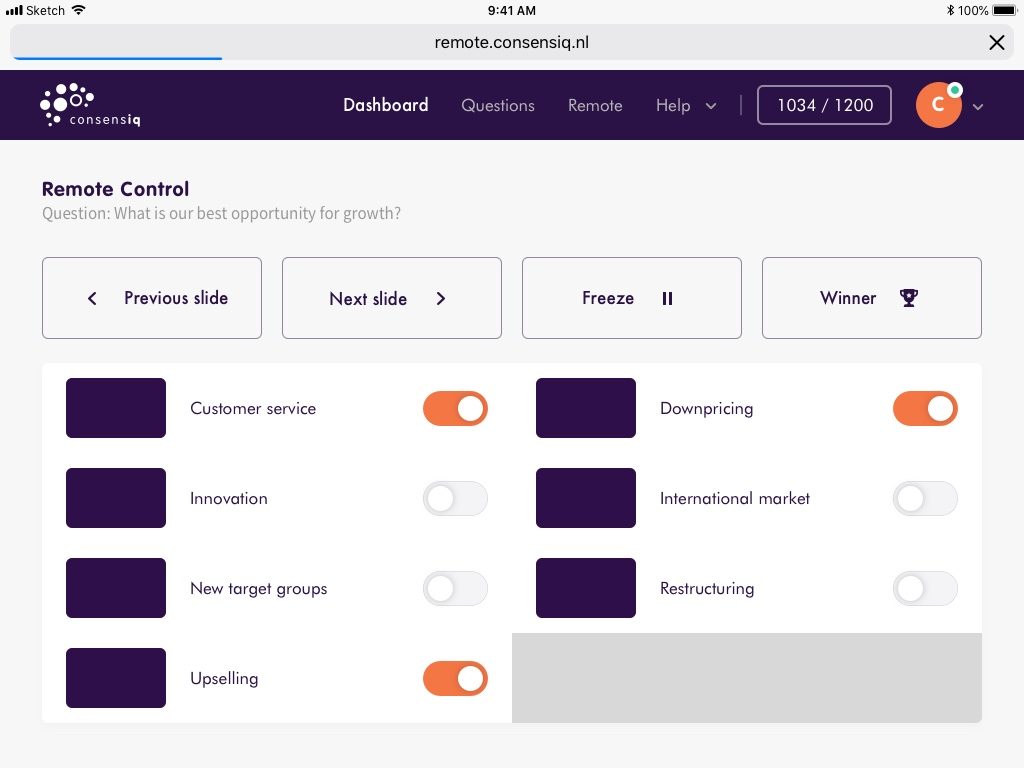
Participants vote on their phones, the facilitator runs the session from a remote, and the room follows along on the big screen.
What is our best opportunity for growth?
Participant
What is our best opportunity for growth?
Moderator
Sets up questions and options in a wizard, applies your branding and exports the results afterwards.
Runs the session from a remote on a phone or tablet: previous or next question, freeze for discussion, drop or add options live and reveal the winner.
Joins through a link or QR code on their own phone, spreads points and shifts them when the discussion gives reason to.
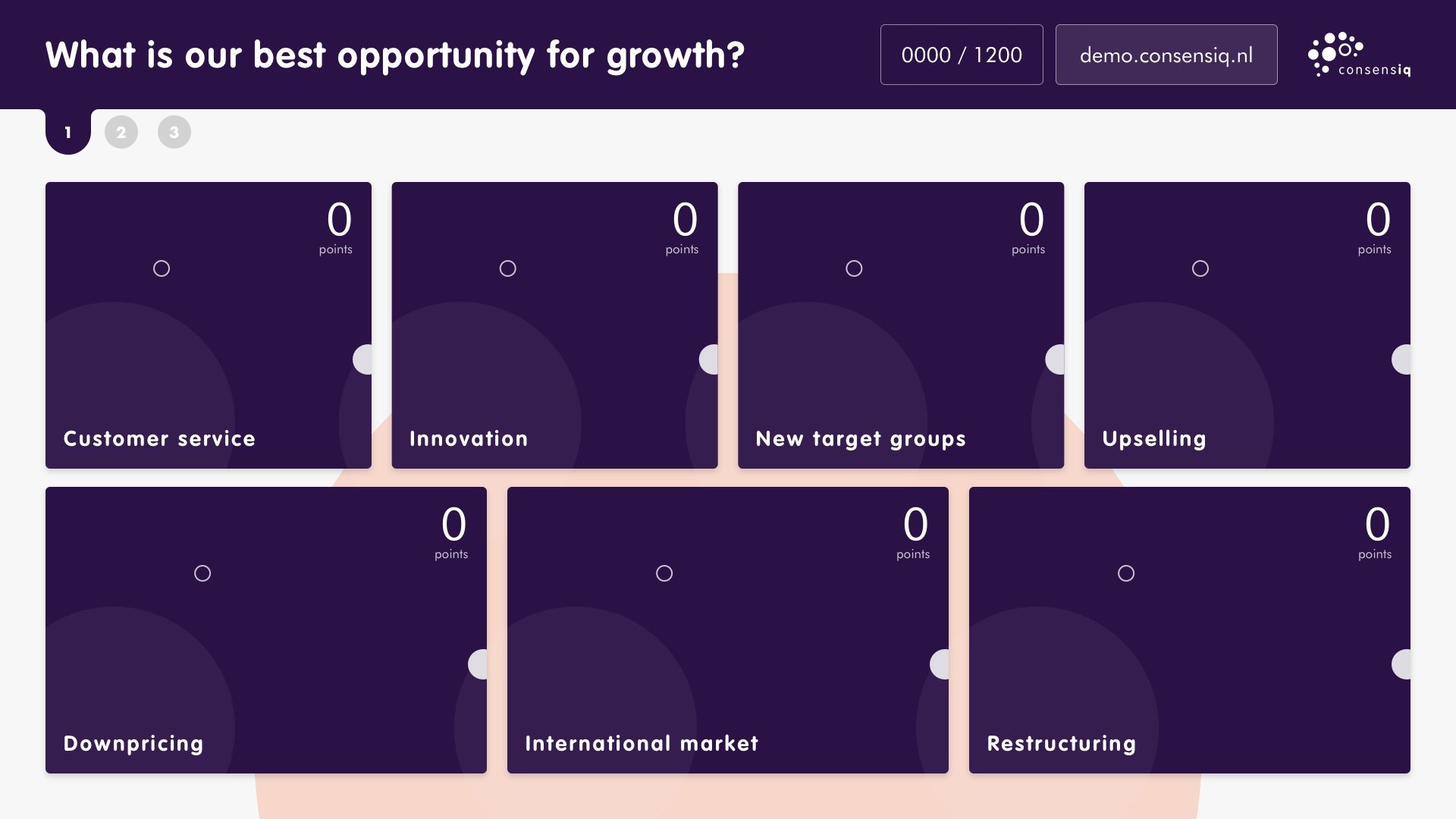
The room sees one tile per option on the big screen. Each tile has an orange bubble showing its points. More support means a bigger bubble. When an option drops out, the other tiles move up and grow. Everyone in the room can feel the mood shifting.
ConsensIQ is next level voting: participants spread points over options across several rounds, so you measure real support instead of a bare majority.
3 min read
A yes or no vote gives a majority, not necessarily support. See why spreading points across options gives a fairer picture of a group.
3 min read
Setting up a consensus session takes five practical steps, from framing the question to testing the screen and remote beforehand.
3 min read
Tell us what you need to decide and how many people are involved. We'll show you in a short demo what that looks like in ConsensIQ.